# Notion Gallery
**URL:** https://forum.menagerie.team/t/notion-gallery/1150
**Category:** General
**Created:** [October 3, 2022, 5:53pm UTC](https://forum.menagerie.team/t/notion-gallery/1150 "2022-10-03T17:53:42Z")
**Posts on this page:** 2
**Page:** 1
### Author:  [@garrett](https://forum.menagerie.team/u/garrett)
#### Post date: [October 3, 2022, 5:53pm UTC](https://forum.menagerie.team/t/notion-gallery/1150/1 "2022-10-03T17:53:42Z")
To avoid polluting the [Multiverse topic](https://forum.menagerie.team/t/the-multiverse/1149/3) with Notion chat, I’m starting this separate thread, to give an illustration of the kinds of things I’ve been able to do with Notion.
A blog:
> **[Notion – The all-in-one workspace for your notes, tasks, wikis, and databases.](https://astralfrontier.notion.site/)**
>
> A new tool that blends your everyday work apps into one. It's the all-in-one workspace for you and your team
A kanban board + mixed media gallery:

A couple of database views with relations, letting me relate a short film’s shot list to specific work items needed to make a given shot happen:

A page full of random links plus an ephemeral to-do list:

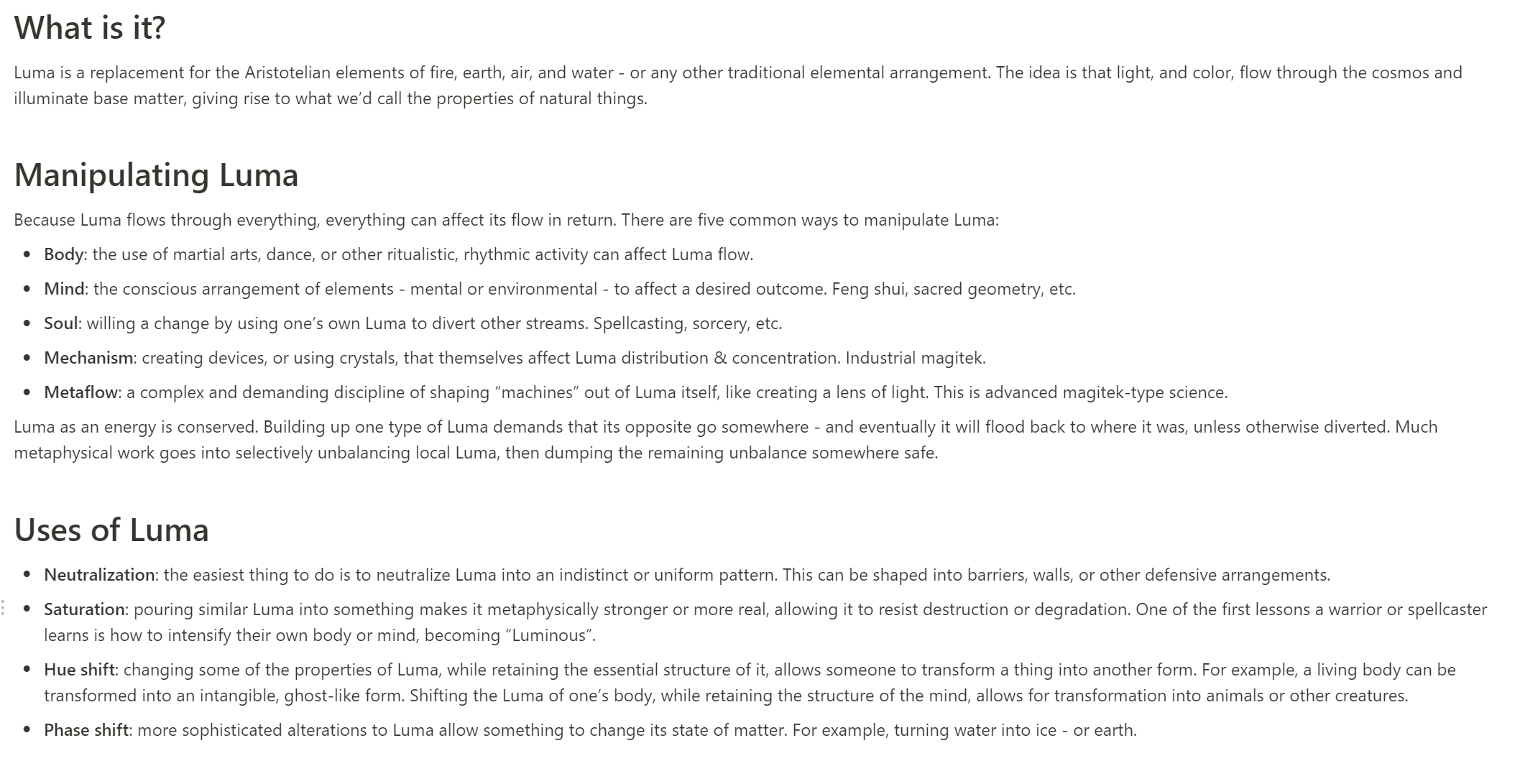
Good old fashioned structured text:
---
### Author:  [@garrett](https://forum.menagerie.team/u/garrett)
#### Post date: [October 3, 2022, 6:01pm UTC](https://forum.menagerie.team/t/notion-gallery/1150/2 "2022-10-03T18:01:18Z")
To drill into what I can do with database views, here’s a sample kanban board:

But, I can also look at the work items grouped by software component, sorted by properties, to get a sense of where the work is going.

If I want to see my overall timeline, I can create a view to sort by milestones and then status:

The “dependencies” column in the last view is an actual Relation property back to the other work items, so I can easily jump between work items and update their status. And all of this schema - “component”, “milestone”, “status”, “dependencies” - is something I can configure per project.
For comparison, here’s a similar setup, but with different fields, because this is for a short film:

Here I’ve got stuff like “shot type” and “assets”, because that’s the sort of relationship I want to track.